SFS DEFAULT SYSTEM
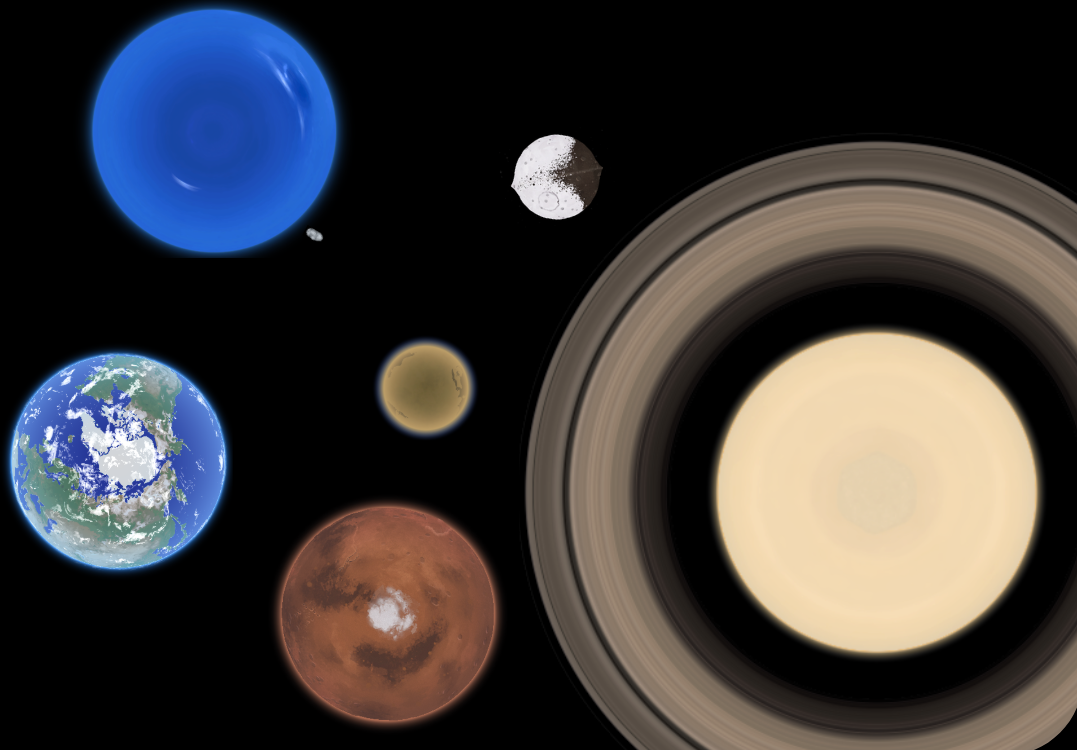
The vanilla SFS solar system — Sun, Mercury, Venus, Earth & Moon, Mars & Phobos, and more.
⬇ … imports
▶ … opens
… MB
BGH — BEYOND GAIAS HORIZON
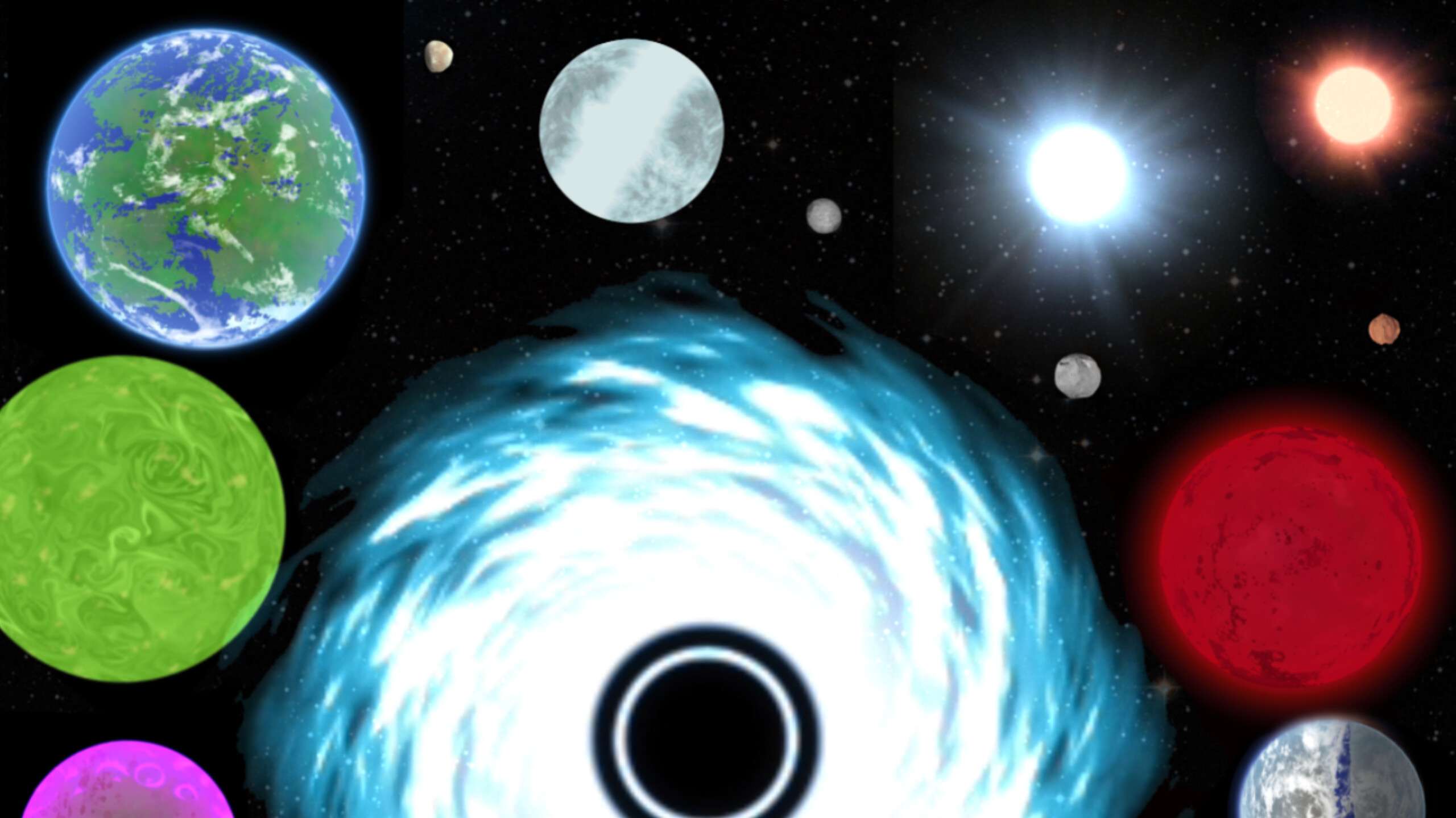
A huge galaxy pack with real and fictional systems :3
⬇ … imports
▶ … opens
… MB
HTSS — Hexastream's Solar System
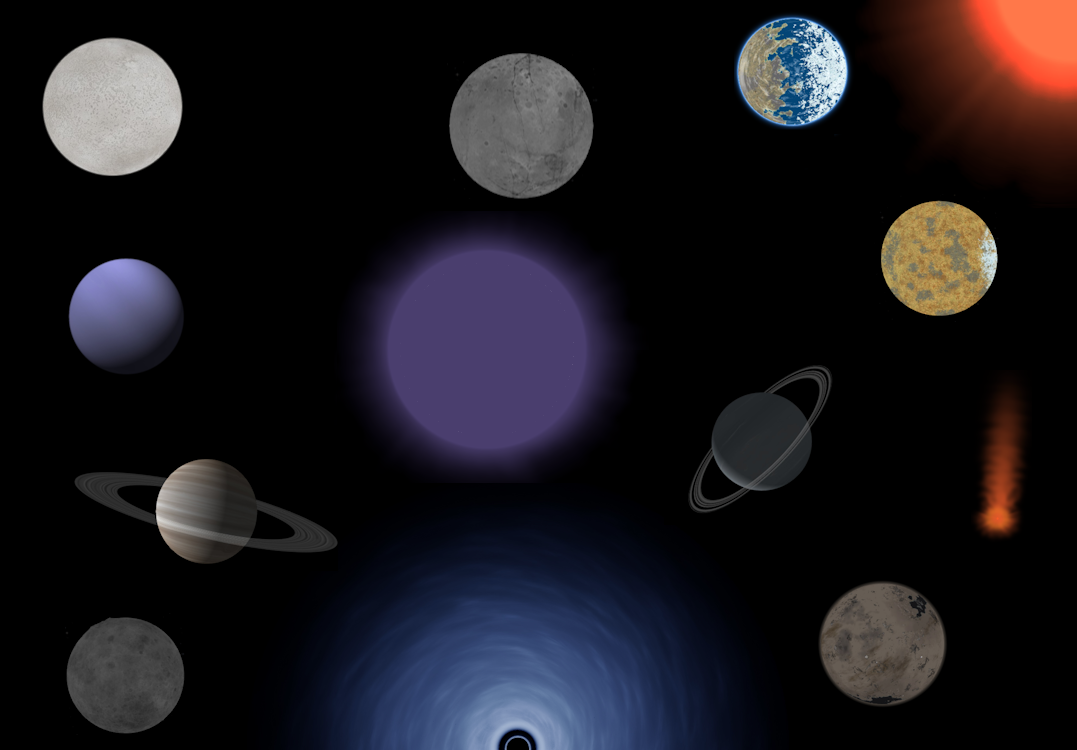
This solar system contains a major enhancement to the stock solar system and also adds a few neighboring star systems.
⬇ … imports
▶ … opens
… MB
YOUNG SOLAR SYSTEM
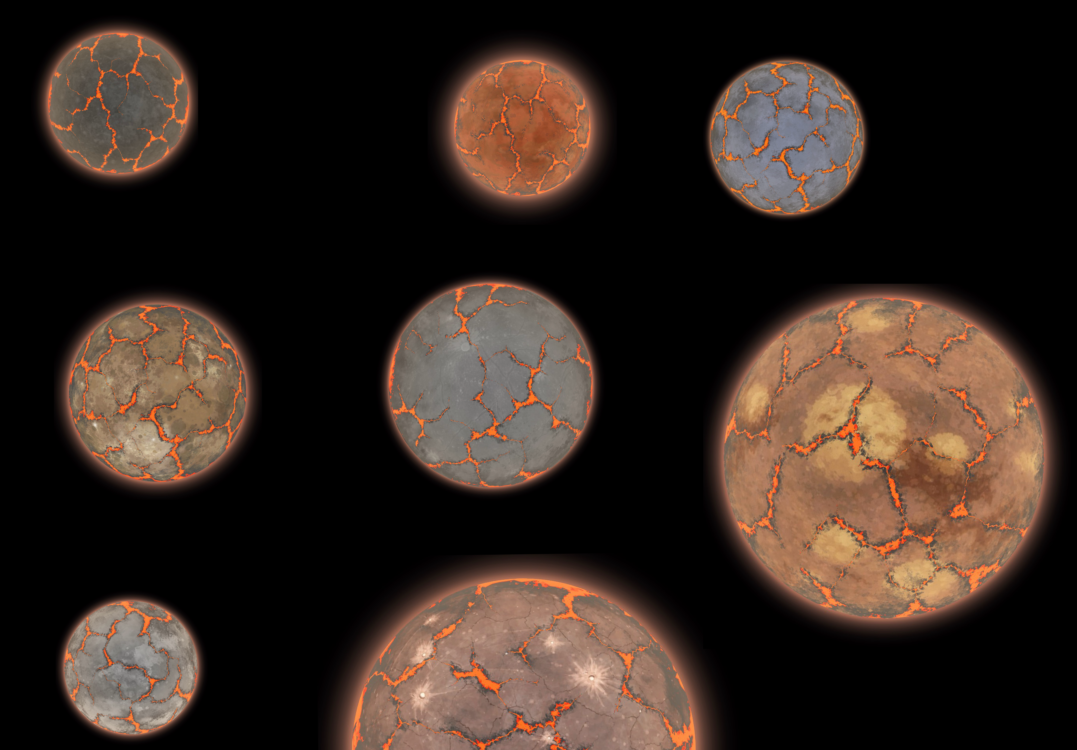
Get to experience the primordial Solar System! Specifically 4.543 Billion years ago. Perfect 1:20 scaling too! No 1:25 >:(
⬇ … imports
▶ … opens
… MB
CELESTIAL HORIZONS
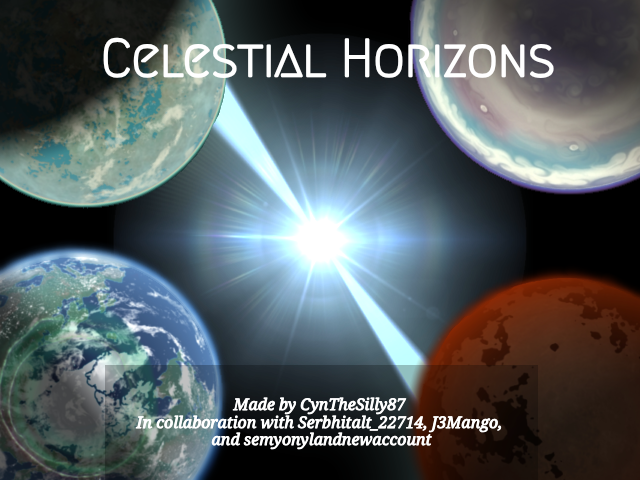
The sequel to Beyond Gaia's Horizon, my most successful interstellar planet pack :3
- An almost complete solar system
- Day/Night cycles to most planets
- New Star Systems
- All real exoplanets around added star systems
- Numerous fictional exoplanets
⬇ … imports
▶ … opens
… MB
RUVAN SYSTEM
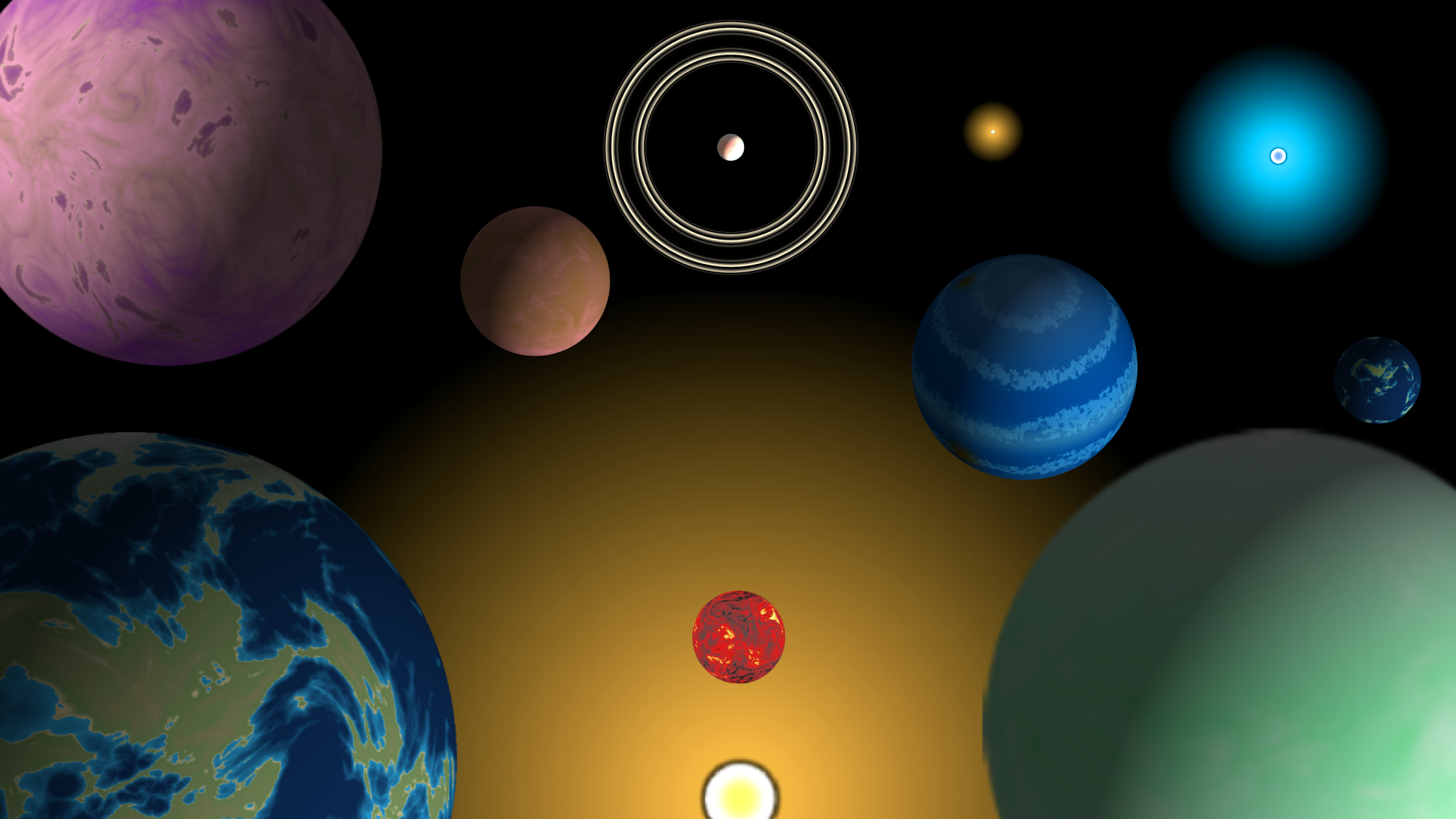
A fictional solar system that has 3 stellar systems with realistic physics on each planet along with adding a bunch of moons.
⬇ … imports
▶ … opens
… MB
NEW
PLERCONICUS GALAXY
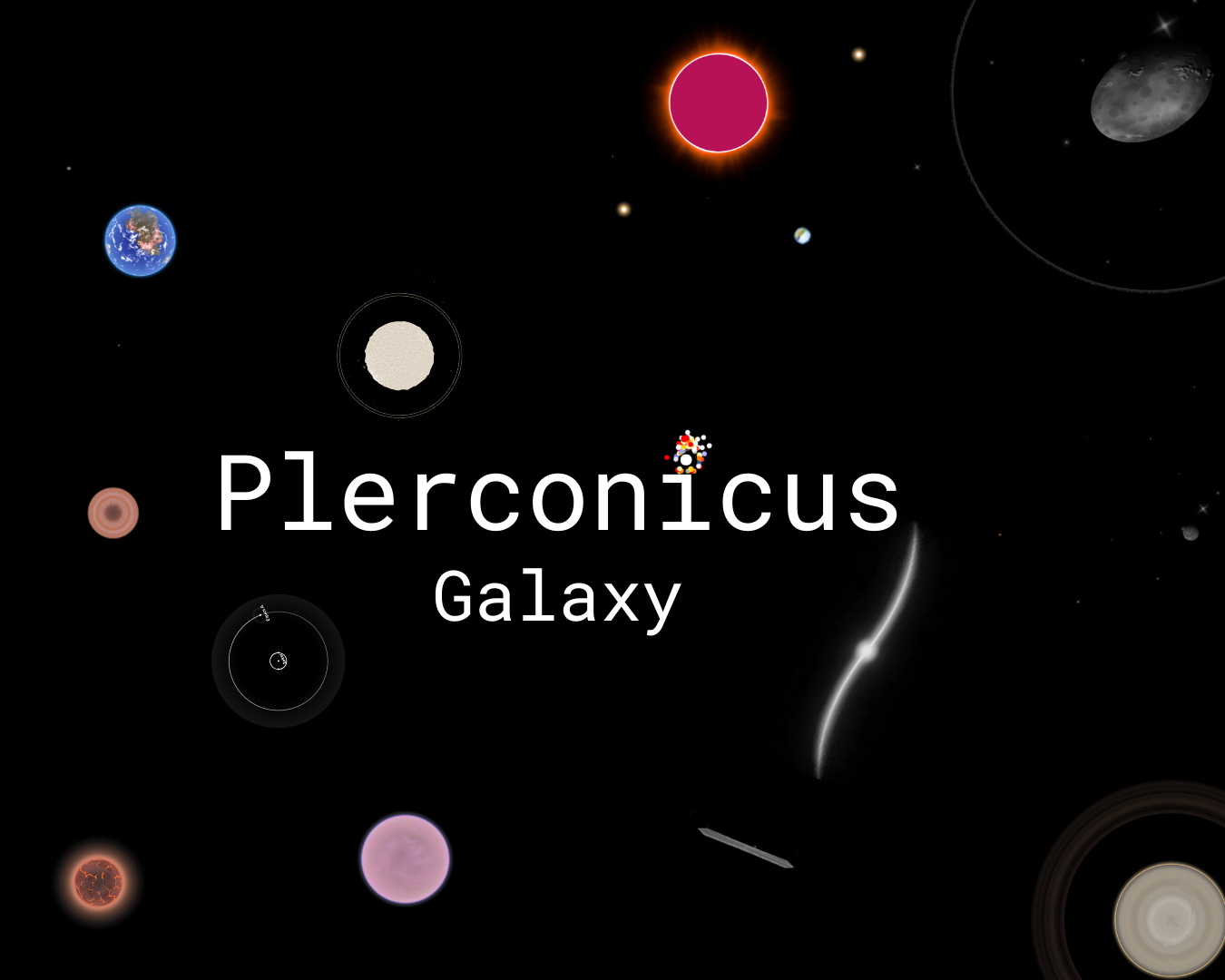
A dwarf galaxy, far away from the Milky Way, with catalogued objects and many objects you can go to. You start in Tare, and head off from there.
⬇ … imports
▶ … opens
… MB
NEW
CENTAURI ODYSSEY
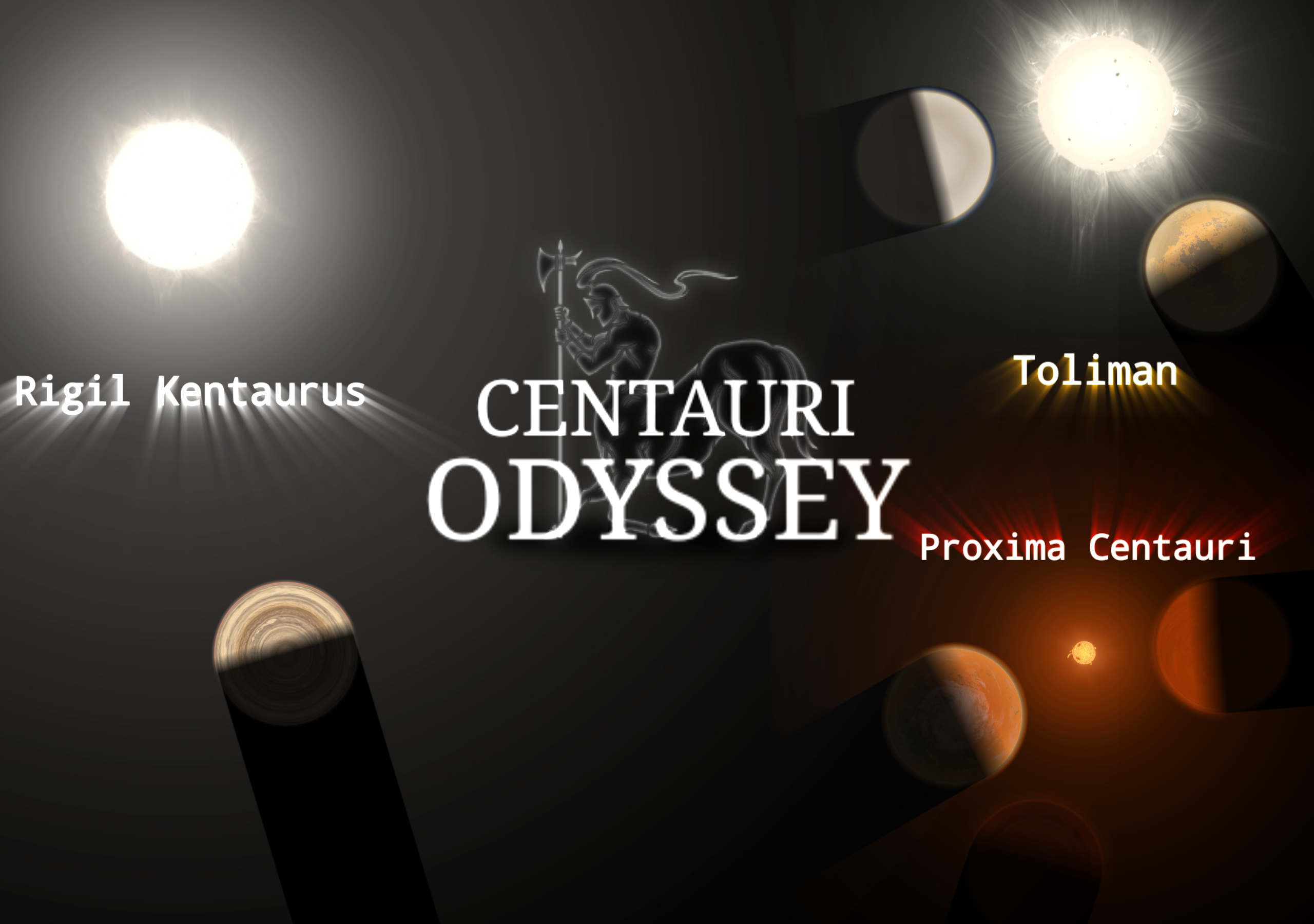
Alpha Centauri system and neighbouring stars like you’ve never seen before in Spaceflight Simulator. 🌌
⬇ … imports
▶ … opens
… MB
YOUR SYSTEM HERE
Consented systems will be featured here.